1.Go to Tools menu > Bulk Task Update.
2.Choose the option Update Existing Tasks.
3.Use the Query button  to retrieve Diary records to update.
| 4. | Enter the new/replacement details. |
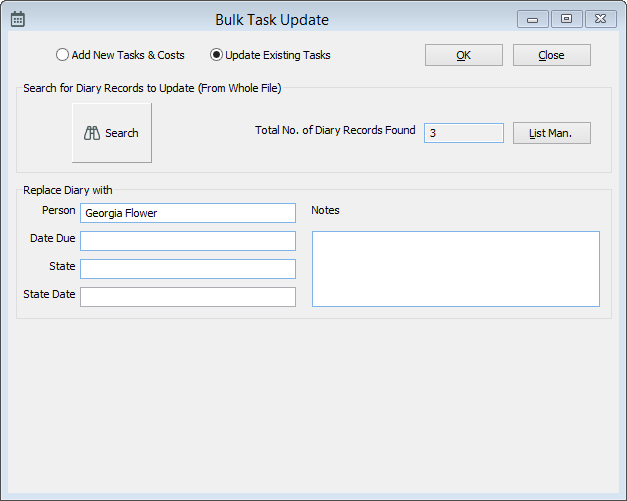
The Bulk Task Update tool chanigng the Person for tasks to Georgia Flower for 17 diary records.
| 5. | Click OK. |
